
When you change a service (a smaller container, fewer pickups, a new hauler), log it here. Integra compares your bills before and after the change and shows the savings you've actually made.
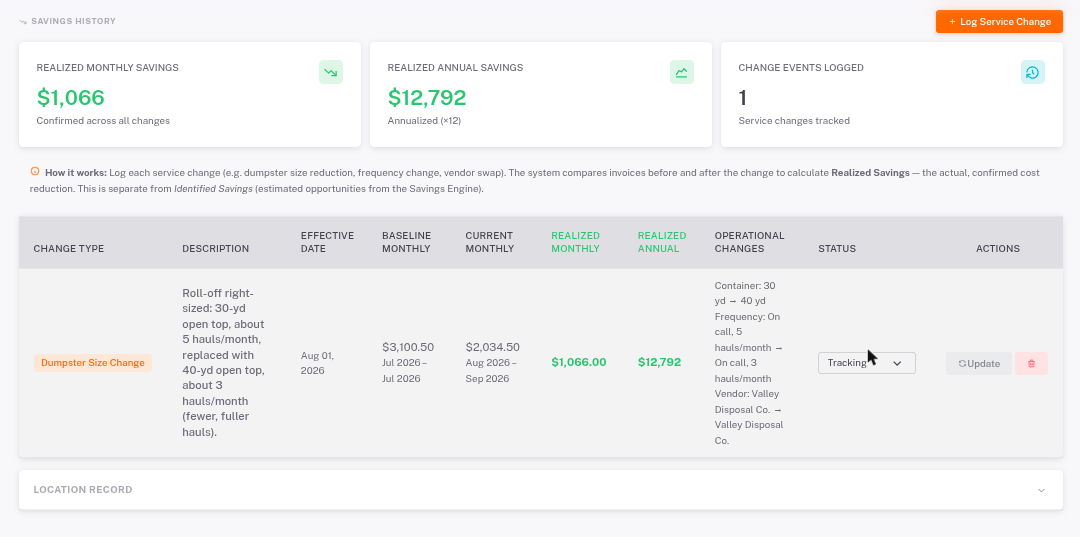
- Open the store and click Savings History.
- Click Log Service Change. Choose the type of change, the date it took effect, and describe what changed.
- As new bills come in, Integra measures the result. Use Update on a change to refresh it.
- Realized Monthly Savings: confirmed savings per month across all changes.
- Realized Annual Savings: the monthly savings over a full year.
- Baseline vs Current monthly cost shows the before and after.