
Contract Compliance checks the latest bill against the agreement you uploaded: the base rate, price increases and any fees the agreement defines.
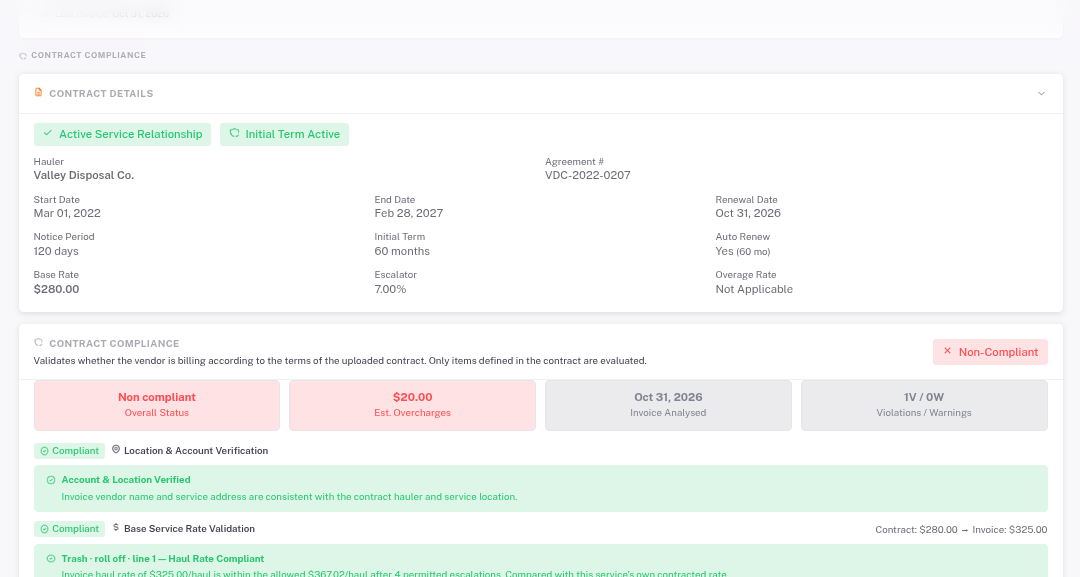
- Open the store and click Contract Compliance.
- Read Contract Details to make sure the terms are right.
- Look at the four boxes: Overall Status, Est. Overcharges, the invoice that was checked, and the number of violations and warnings.
- Scroll through each check. Green is compliant, yellow is a warning, red is a violation with the dollar amount.
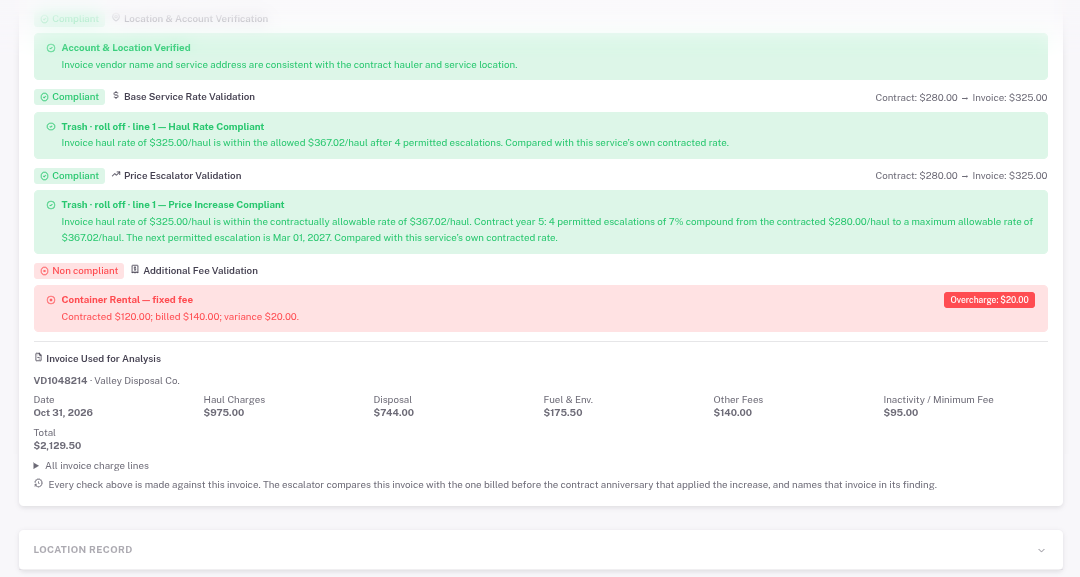
Only items written into the agreement are checked. Use the overcharge details when you contact your hauler.