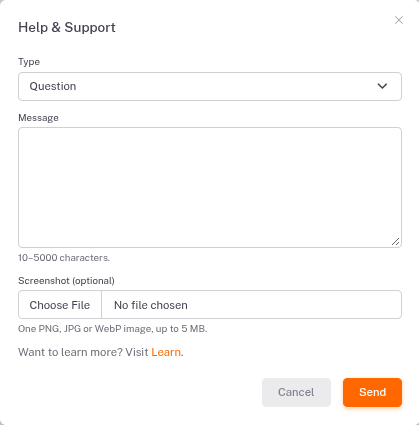
We read every message.The Help & Support window.Click Help & Support at the bottom of the left menu.Choose Question, Report a problem or Idea.Type your message. If it helps, attach a screenshot.Click Send. We'll reply by email.← ReportsGlossary →